Teli Zone
Continue to app
Free Version
Publisher Description

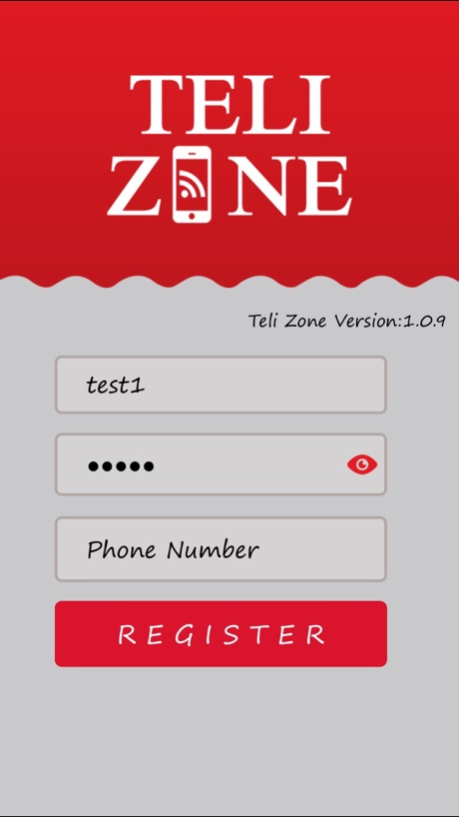

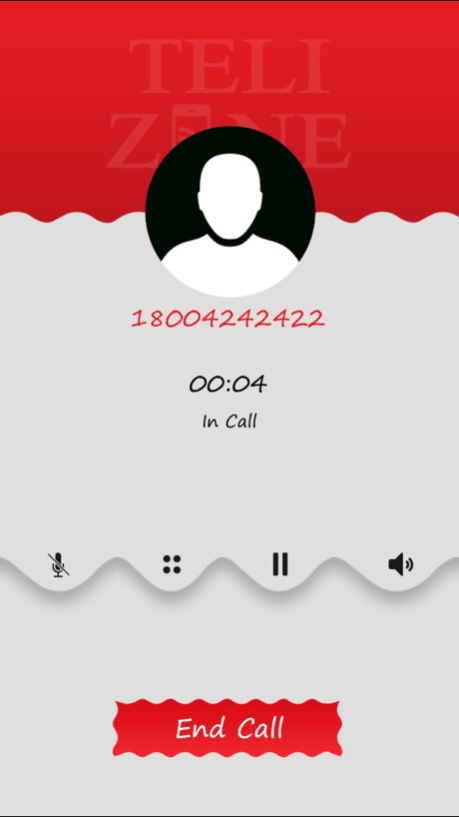
Teli Zone is a simple mobile VoIP application that enables end users to make long distance or international calls at low rates. End users can avail VoIP services to explore the real potential of this mobile application. Right from intuitive UI, address book integration, NAT traversal on Private IP, low bandwidth consumption, SIP signalling, SIP softswitch compatibility to codec compatibility, the mobile application has all important features that make for a complete VoIP calling experience.
Teli Zone is available on iOS. Download Teli Zone on your favourite mobile device and start talking to your overseas friends and relatives.
About Teli Zone
Teli Zone is a free app for iOS published in the Vertical Market Apps list of apps, part of Business.
The company that develops Teli Zone is Anwar Ali. The latest version released by its developer is 1.0 .
To install Teli Zone on your iOS device, just click the green Continue To App button above to start the installation process. The app is listed on our website since 2026-08-01 and was downloaded 27 times. We have already checked if the download link is safe, however for your own protection we recommend that you scan the downloaded app with your antivirus. Your antivirus may detect the Teli Zone as malware if the download link is broken.
How to install Teli Zone on your iOS device:
- Click on the Continue To App button on our website. This will redirect you to the App Store.
- Once the Teli Zone is shown in the iTunes listing of your iOS device, you can start its download and installation. Tap on the GET button to the right of the app to start downloading it.
- If you are not logged-in the iOS appstore app, you'll be prompted for your your Apple ID and/or password.
- After Teli Zone is downloaded, you'll see an INSTALL button to the right. Tap on it to start the actual installation of the iOS app.
- Once installation is finished you can tap on the OPEN button to start it. Its icon will also be added to your device home screen.
Program Details
System requirements
Operating systems
iOS
Download information
File size
15 bytes
Total downloads
27
Pricing
License model
Free
Price
Version History
Here you can find the changelog of Teli Zone since it was posted on our website on 2023-09-06. The latest version is and it was updated on Soft112 on 02 November, 2026. See below the changes in each version:
version -
posted on 2026-08-01
version 1.0.9
posted on 2017-01-05
Jan 5, 2017
Version 1.0.9
This app has been updated by Apple to display the Apple Watch app icon.
